 PRECISION IN VIEW
DEEPCAM / FEATURES
Features
Explore connection, observation, capture and care with EZ-CAM160.
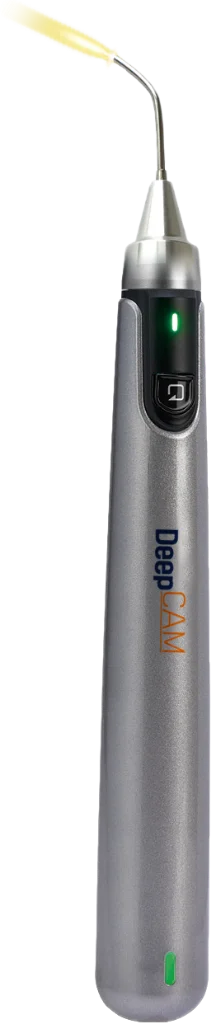 EZ-CAM160
From the observation site to your screen.
Connect the camera and display device over Wi-Fi to view images from the small camera on a separate screen.
- Camera tip
- View images from an intraoral observation site. Qualified clinicians determine suitability within the intended purpose and authorized scope.
- Wireless connection
- Connect your smartphone or tablet to the camera’s Wi-Fi AP and view images in the supported app.
- Photo and video management
- Review and manage captures in the gallery on the local device.
- Docking, charging and care
- Use the charging dock and your model’s manual to prepare for the next session. Follow the applicable cleaning and disinfection instructions.
Bring the view to a connected screen.
View camera images and manage recordings on your device. Check app and operating system compatibility for your model.
EZ-CAM160Wi-Fi
Connected display
Smartphone · tabletResources matched to your camera.
Use your model’s manual alongside the requirements of your setup. Detailed specifications and configuration follow the confirmed model-specific documentation.